 Racqt
RacqtWebiOSAndroid
Finding a coach
Discover available coaches in the portal, read their profiles and leave reviews.
On this page
In the portal you’ll find all coaches assigned to your club or tennis school. You can read their profiles, see other players’ reviews and leave a review yourself.
Discovering coaches
Under “Trainer” (Coaches), all available coaches are shown as tiles. Each tile shows profile picture, name, speciality and the average rating with the number of reviews.
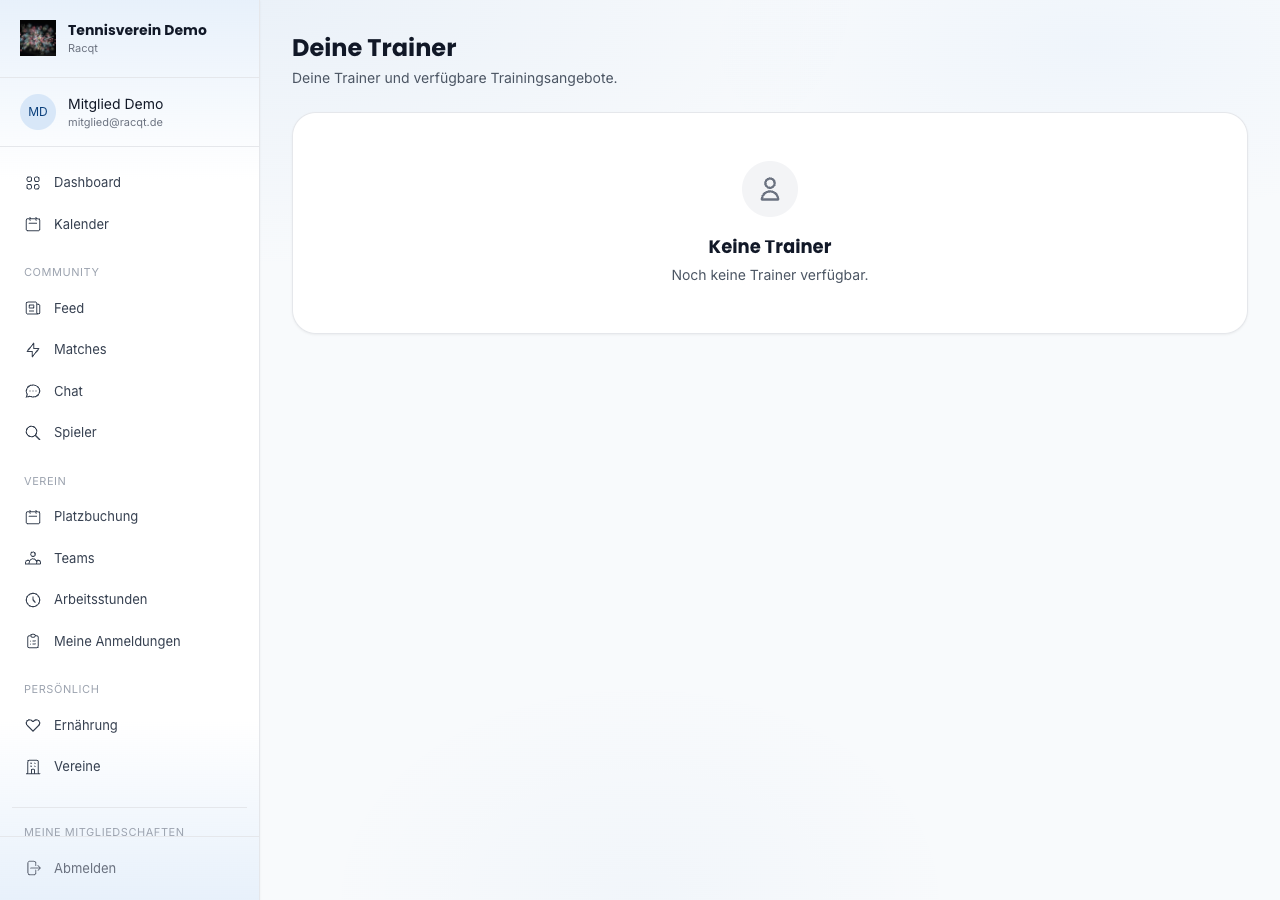
Coach profile
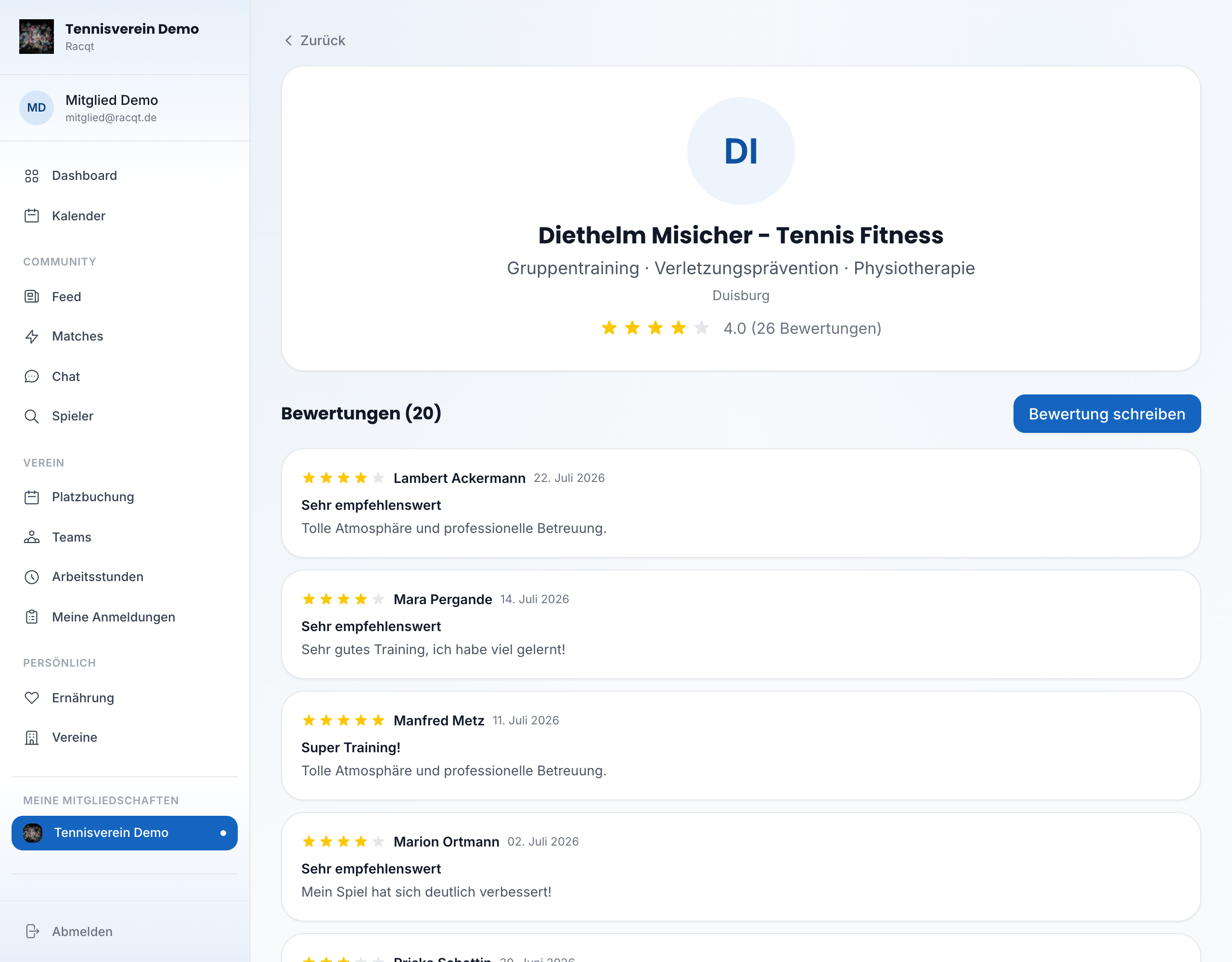
Click “Bewertungen & Details” (Reviews & details) to open the full profile. There you’ll see a profile with bio and speciality, plus all customer reviews with text, number of stars, the reviewer’s name and date.
Leaving a review
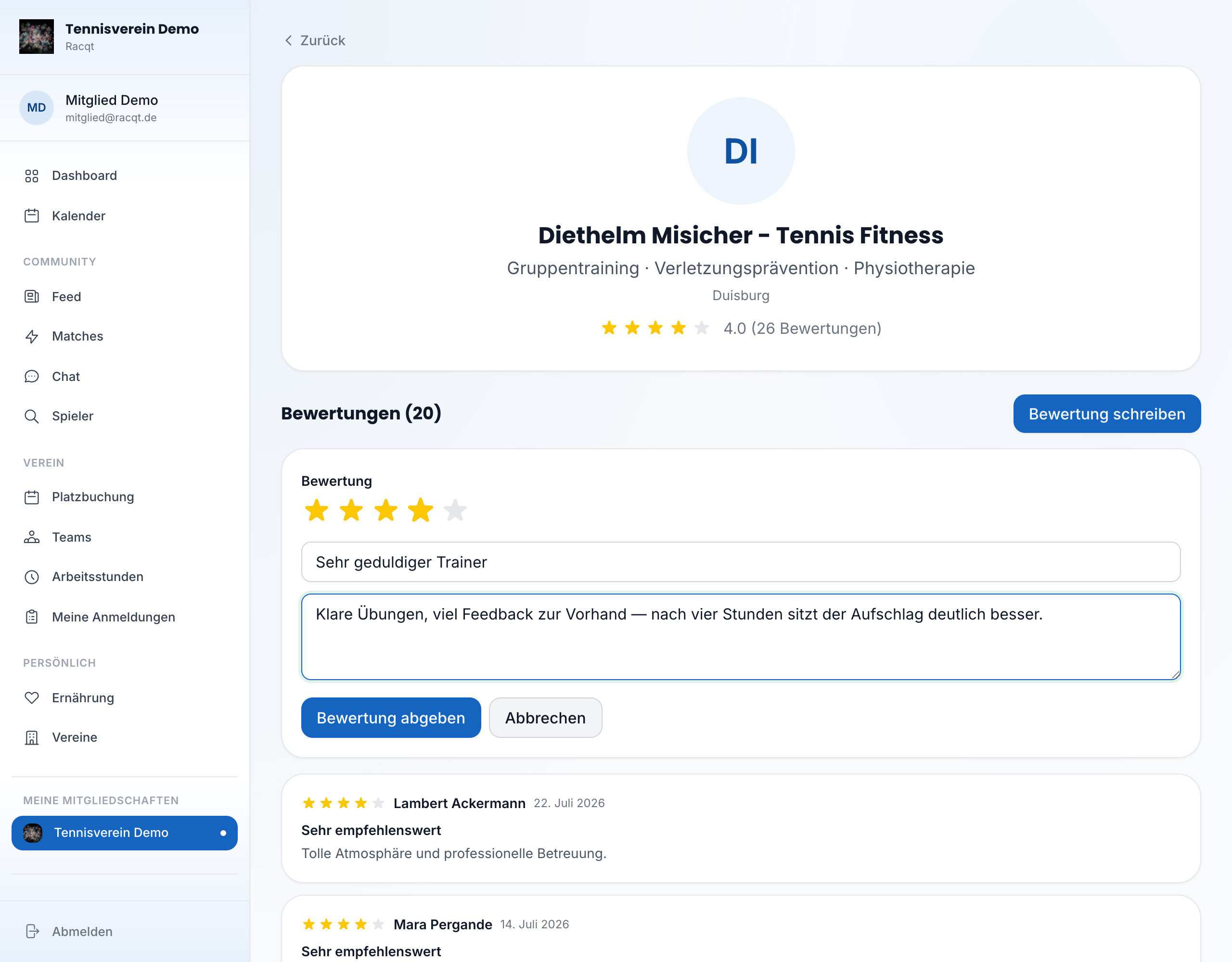
On the detail page you can write a review yourself. Click “Bewertung schreiben” (Write a review), give one to five stars and add some text. After submitting, your review appears in the list immediately.
In the apps
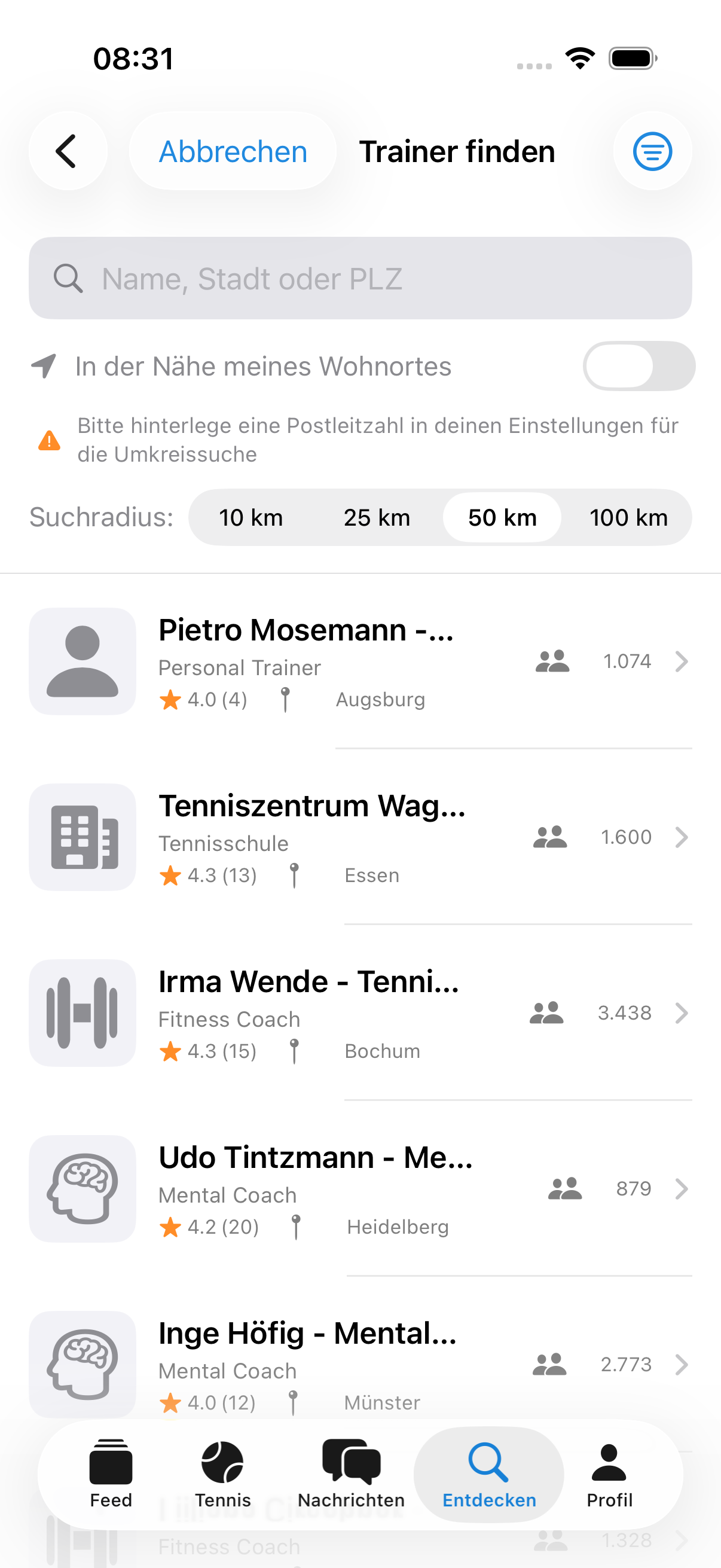
The coach list and all detail pages are also available in the iOS and Android apps. On a coach’s detail page you’ll find several tabs there, including Bewertungen (Reviews), Team and Buchen (Book).
Booking a coaching session
In the Buchen (Book) tab you arrange an appointment directly in the app:
- Choose the Leistung (Service) — you see the price for each service straight away.
- Pick the Tag (Day) and the time for the Beginn (Start).
- Set the Dauer (Duration).
- If you like, add a Hinweis (Note) for your coach, such as what you’d like to work on.
With Verbindlich buchen (Book now, binding) the appointment is fixed. You then find it under “Meine Buchungen” (My bookings).
Reviewing a coach in the app
You can also leave reviews in the apps: tap Bewertung schreiben (Write a review), give one to five stars, add a Überschrift (Headline) to your review and say in a few sentences how your training went. Members of the coach can leave reviews, once per coach — so the picture stays fair for everyone.
Getting to know the team
In the Team tab you see who works at a tennis school or with a coach — with their role, such as owner or coach.
Booking a coaching session
In the apps you book a coaching session directly in the “Buchen” (Book) tab. Choose a service from the coach’s price list, a day and the time. If the service names a duration, such as “Einzeltraining 90 Min” (private lesson 90 min), the app takes it over automatically; you pay exactly the price from the price list. If a coach hasn’t stored any prices yet, booking is only possible once there is a price list.
When a coach is no longer active
Under “Meine Trainer” (My coaches) you only see coaches who are currently active. If a coach stops, they disappear from your list and can no longer be found publicly. If you’re a member of their club, you can still open their profile via your previous bookings and reviews – so your own history stays complete.